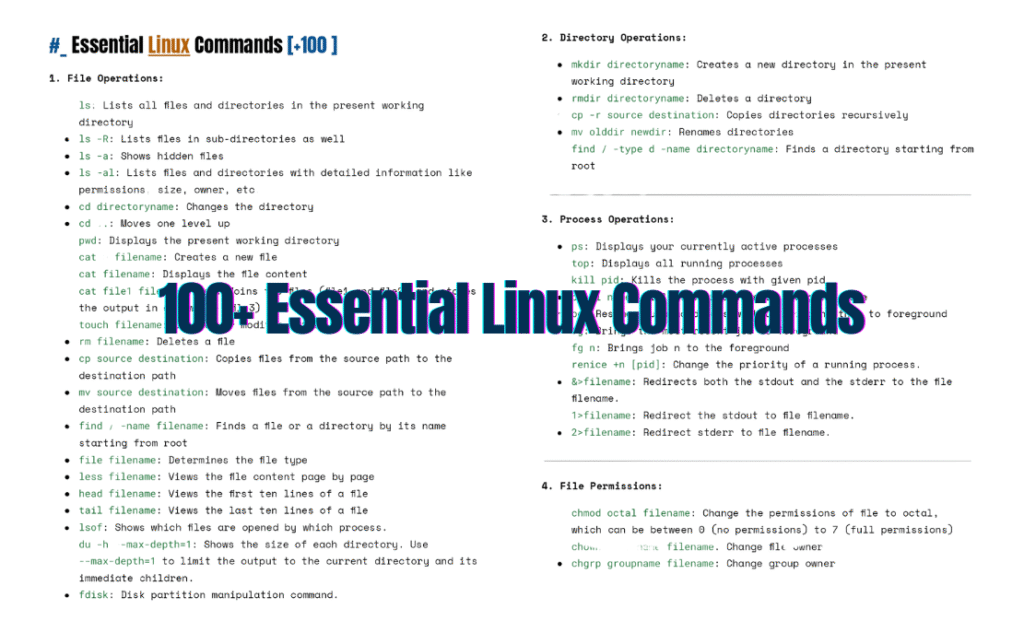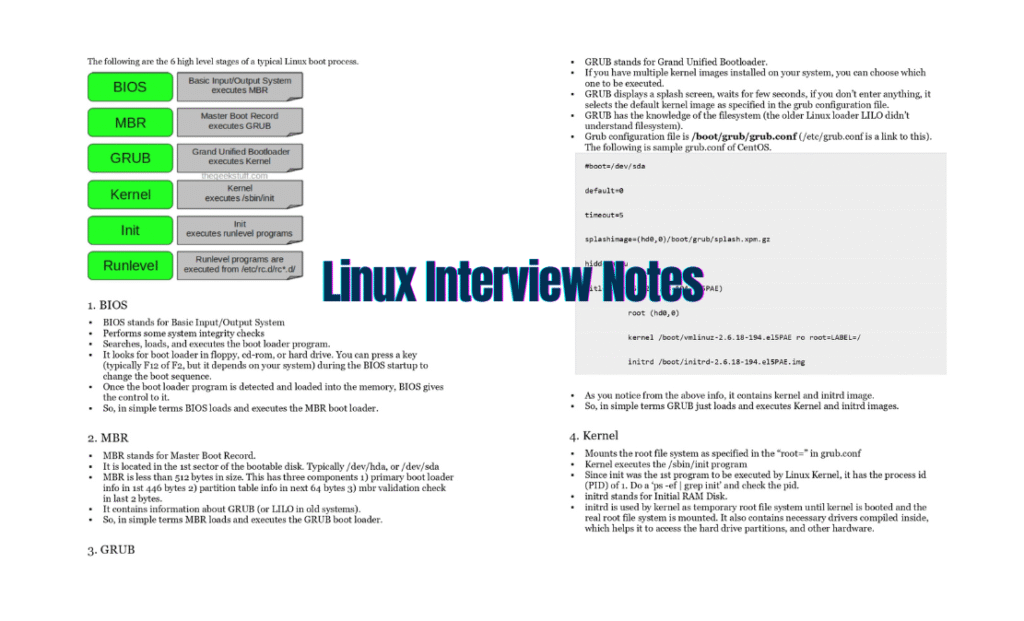
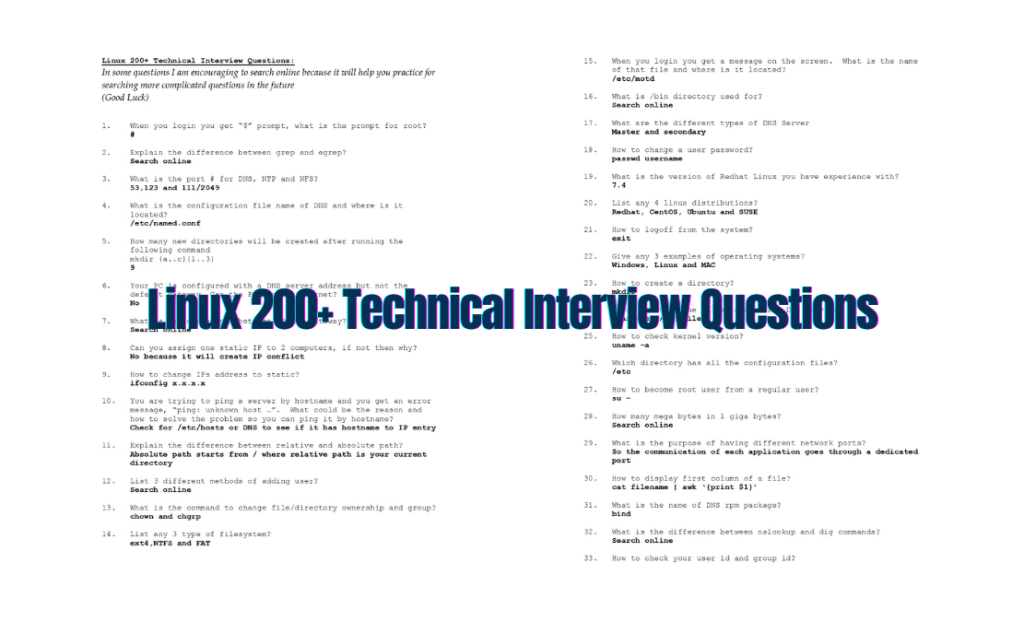
Linux expertise isn’t just a resume booster—it’s a career accelerator. Whether you’re aiming for roles in DevOps, cloud engineering, or system administration, acing Linux technical interviews is non-negotiable.
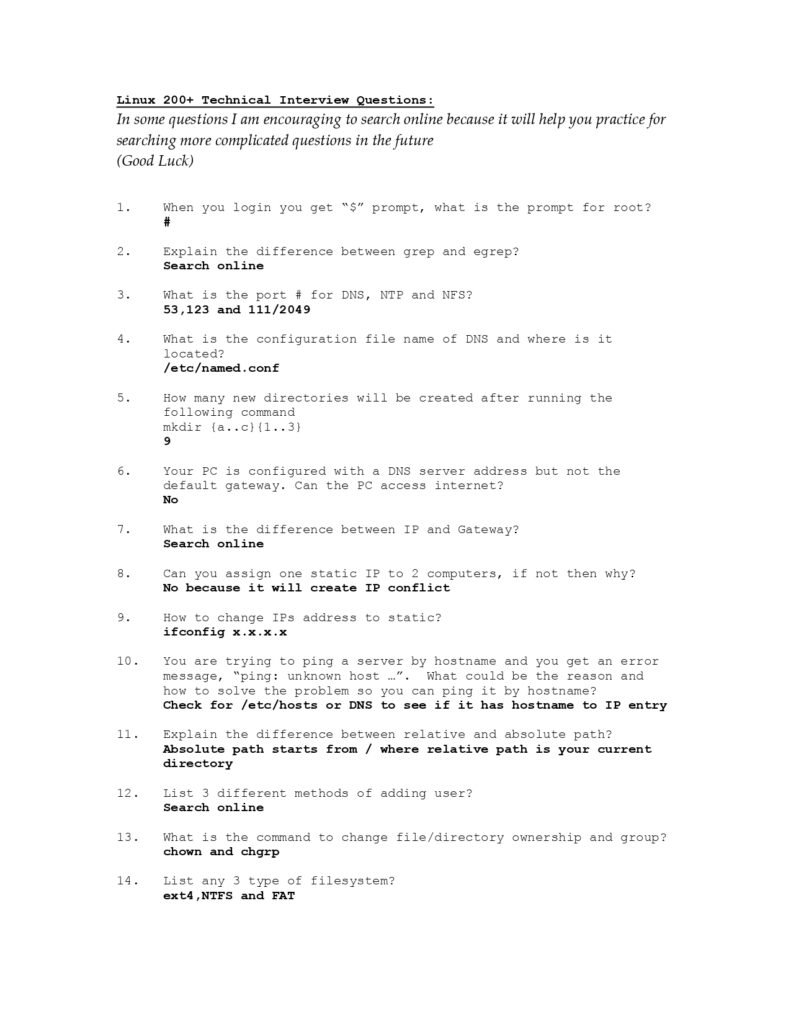
Introducing the “Linux 200+ Technical Interview Questions: Your Ultimate PDF Resource”—a battle-tested guide packed with real-world questions, detailed answers, and insider tips to help you dominate your next interview.
Why This Guide?
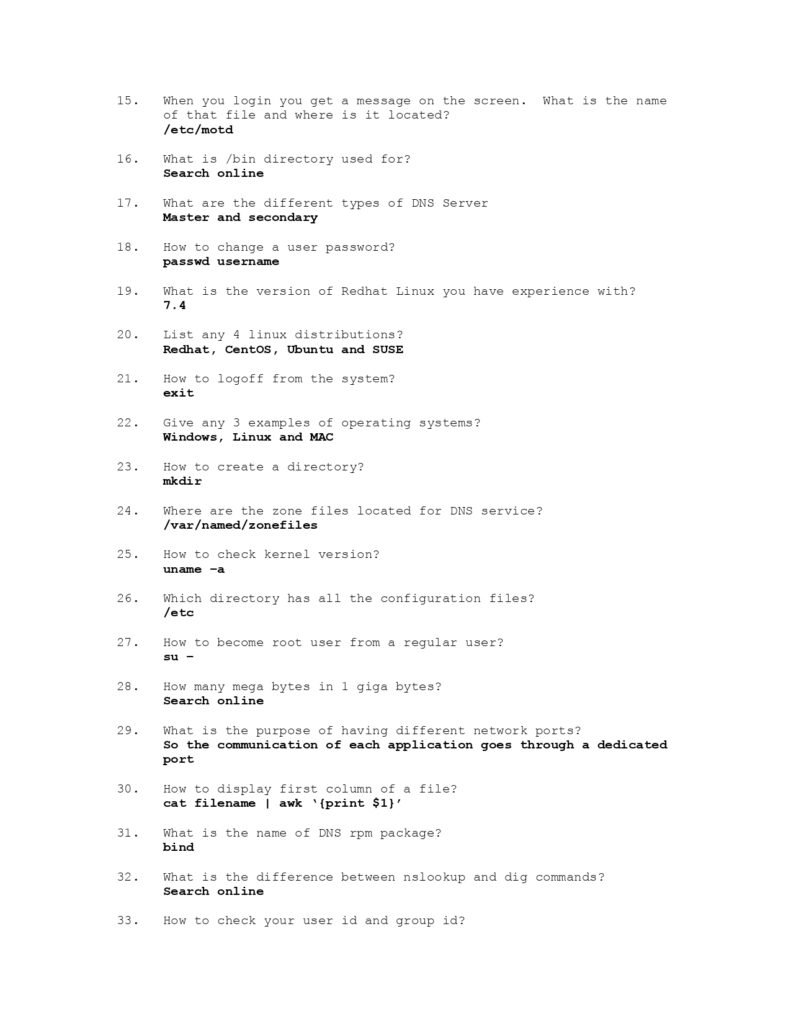
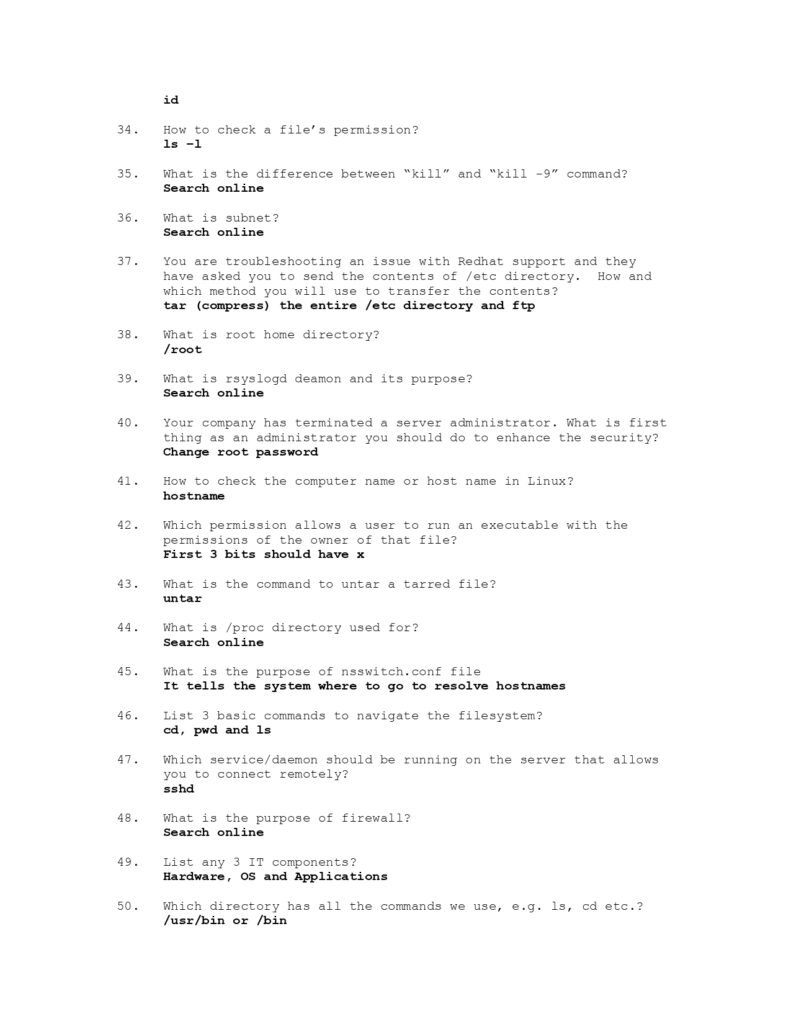
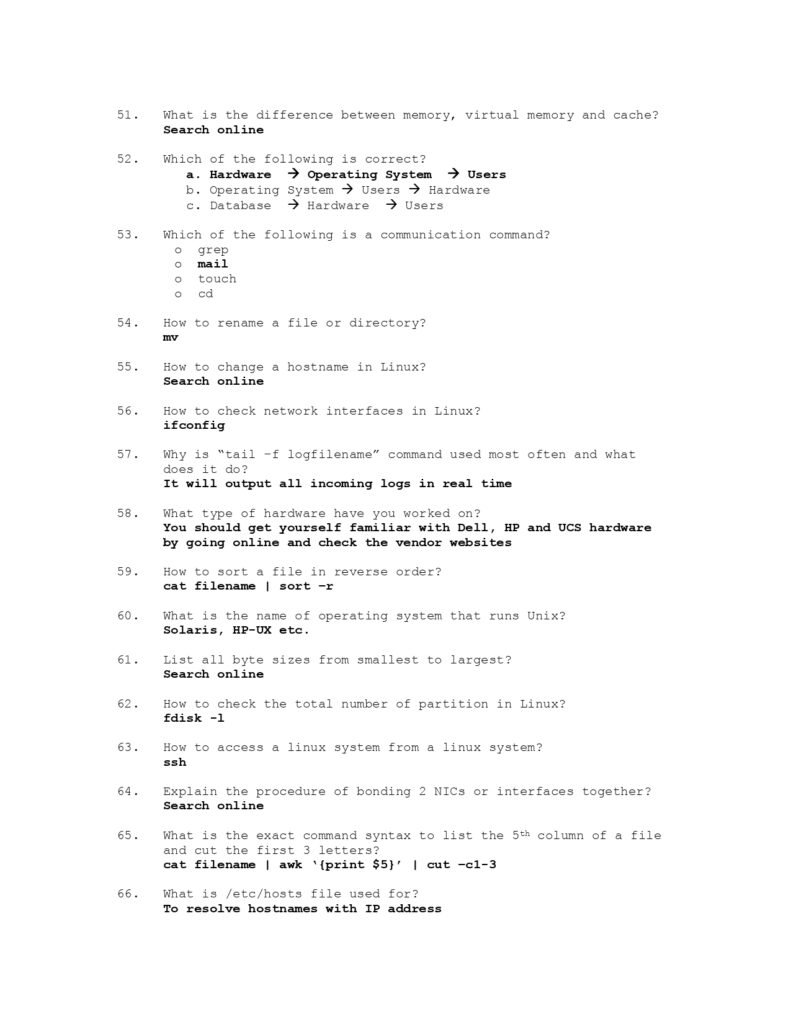
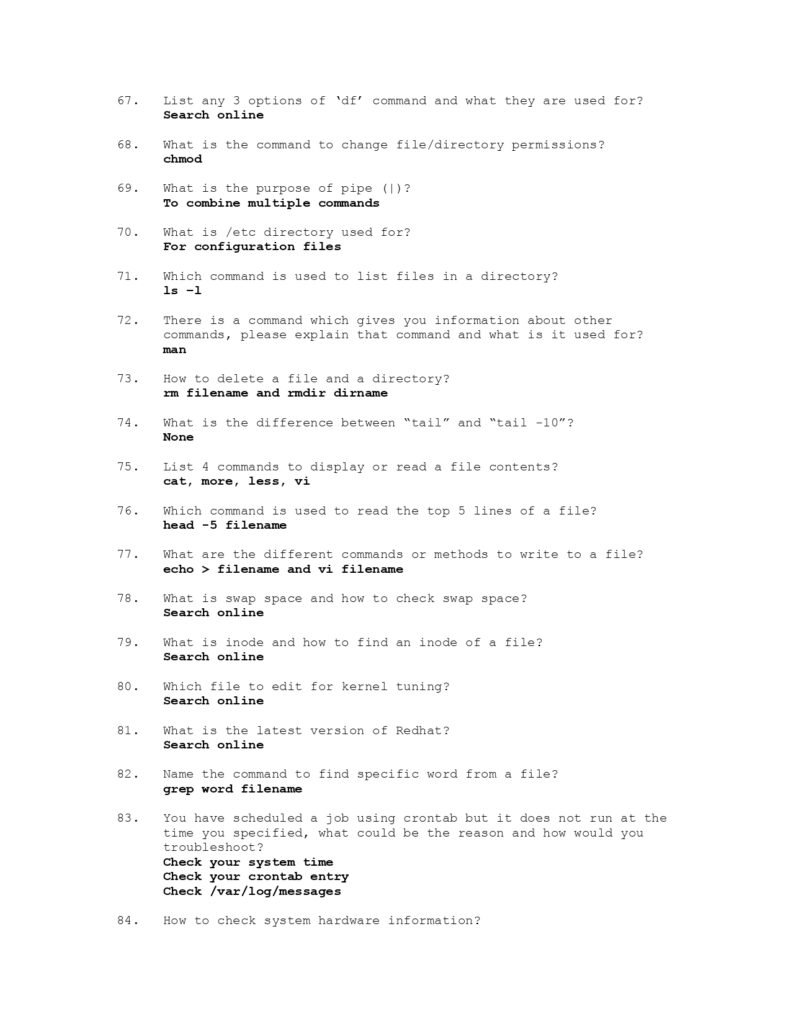
This 13-page PDF isn’t just a Q&A list—it’s your strategic toolkit for interview success:
- Offline Access: Study anytime, anywhere—no Wi-Fi needed.
- Structured Prep: Organized by topic to mirror real interview flows.
- Depth Over Breadth: Detailed explanations, not just answers.
What’s Inside?
Covers 200+ questions across 6 core Linux domains:
🔹 Linux Fundamentals
(Filesystem hierarchy, permissions, user/group management)
🔹 Command-Line Mastery
(Key commands like grep, awk, sed, and advanced piping)
🔹 System Administration
(Process control, package managers, security hardening)
🔹 Networking & Services
(IP config, firewall rules, SSH, DNS troubleshooting)
🔹 Shell Scripting
(Variables, loops, conditionals, and real-world scripting challenges)
🔹 Performance Tuning
(Diagnosing bottlenecks with top, vmstat, and iotop)
PLUS: Bonus sections on cron jobs, environment variables, and troubleshooting workflows!
What Makes This Guide Special?
- Question Context: Learn why interviewers ask these questions and what they’re really testing.
- Step-by-Step Answers: No vague responses—every answer breaks down concepts like:
- How to diagnose a memory leak
- When to use
chmodvs.chown - Best practices for securing SSH
- Pro Tips: Avoid common mistakes (e.g., forgetting
-rfinrmcommands 💥). - Extra Resources: Links to official docs and cheat sheets for deeper dives.
Sample Question Preview
Q: “How would you identify which process is consuming the most CPU on a Linux server?”
A:
- Use
top→ PressShift+Pto sort by CPU. - For scripting:
ps -eo pid,ppid,cmd,%cpu --sort=-%cpu | head. - Pro Tip: Combine with
htopfor a color-coded, interactive view.
Why You Need This PDF
✅ Save Time: No more scouring forums—everything’s in one place.
✅ Build Confidence: Master tricky topics like SELinux, iptables, and kernel tuning.
✅ Adaptable Prep: Suitable for juniors and seniors—adjust your focus by skill level.
Download Your Copy
Prepared by: Waleed Mousa
Format: 13-page PDF (Print-friendly & mobile-optimized)
📥 Free Download: [Get the PDF Here]