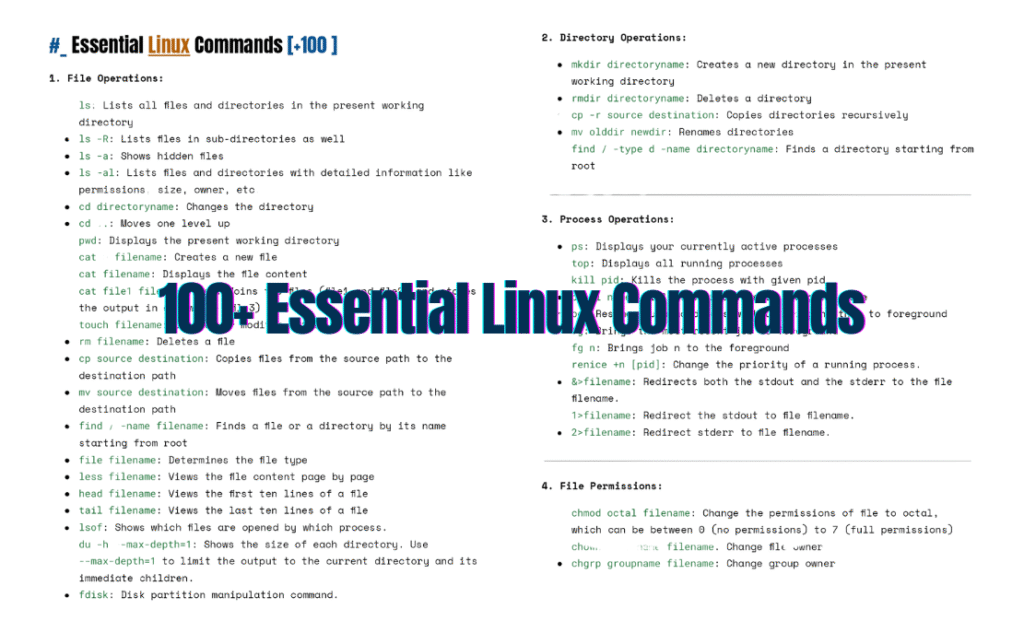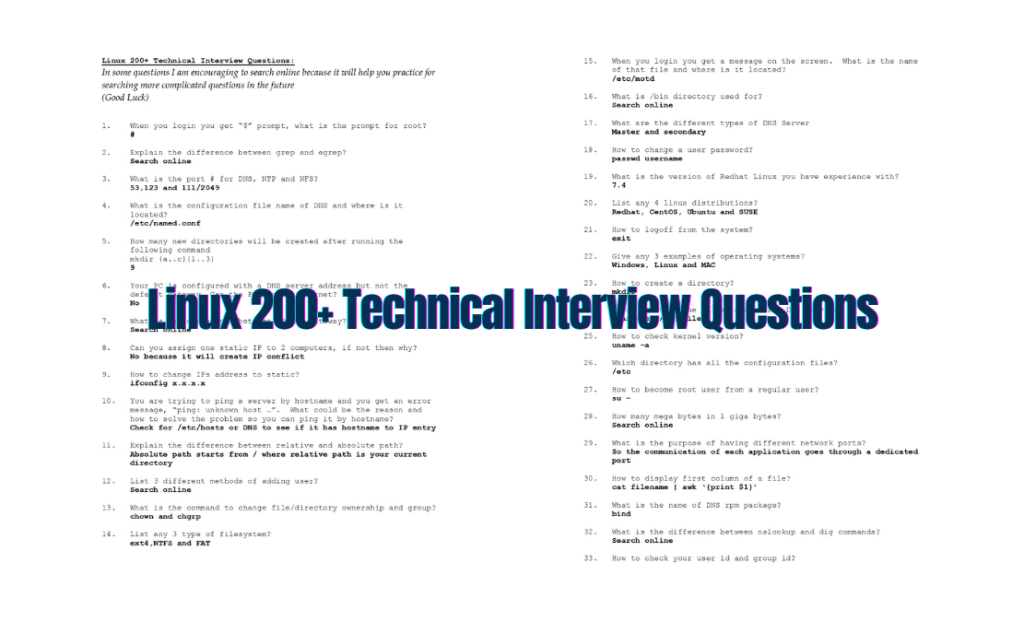
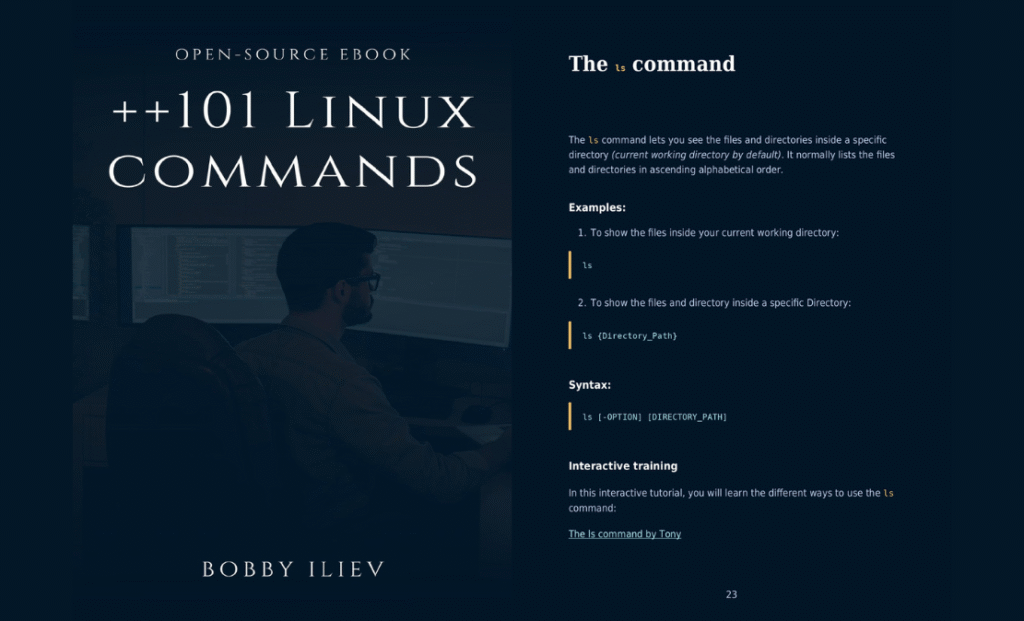
Linux’s true power lies in its command line—but memorizing every flag and syntax can feel overwhelming. Whether you’re a newbie or a seasoned admin, “101+ Linux Commands PDF: Your Ultimate Guide to Mastering Linux” is your cheat sheet to unlock the terminal’s full potential.
Why This Guide?
This 300-page PDF isn’t just a list—it’s a structured roadmap to Linux mastery:
- Beginner-Friendly: Starts with basics like
cd,ls, andpwd. - Advanced Ready: Covers
awk,sed,cron, and kernel tuning. - Offline Access: Learn on planes, trains, or during late-night coding sessions.
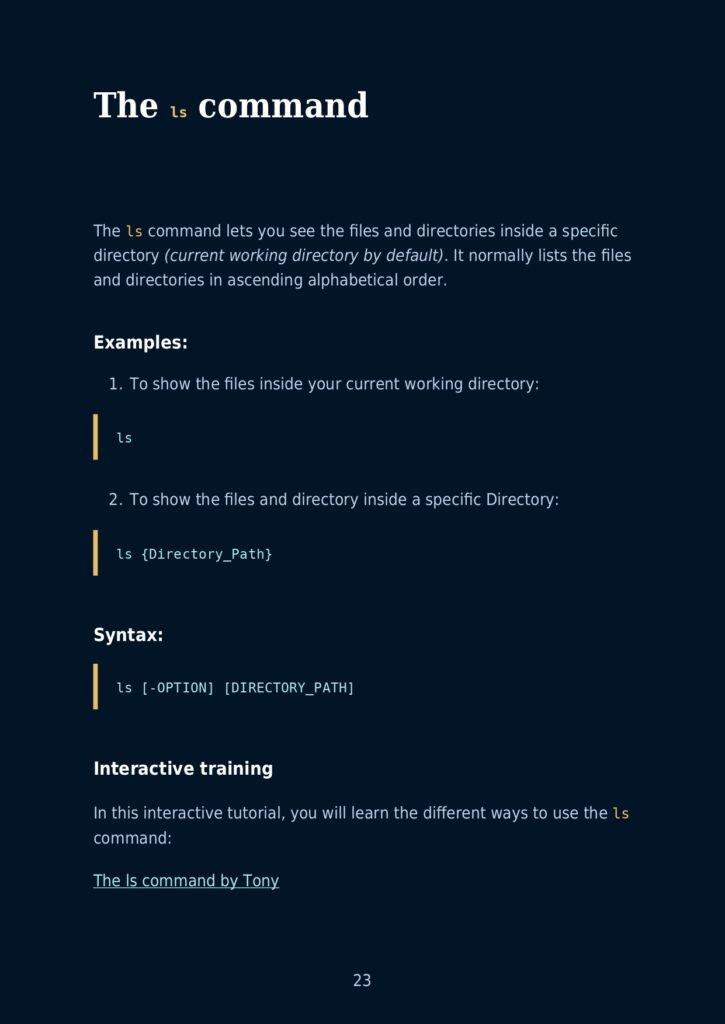
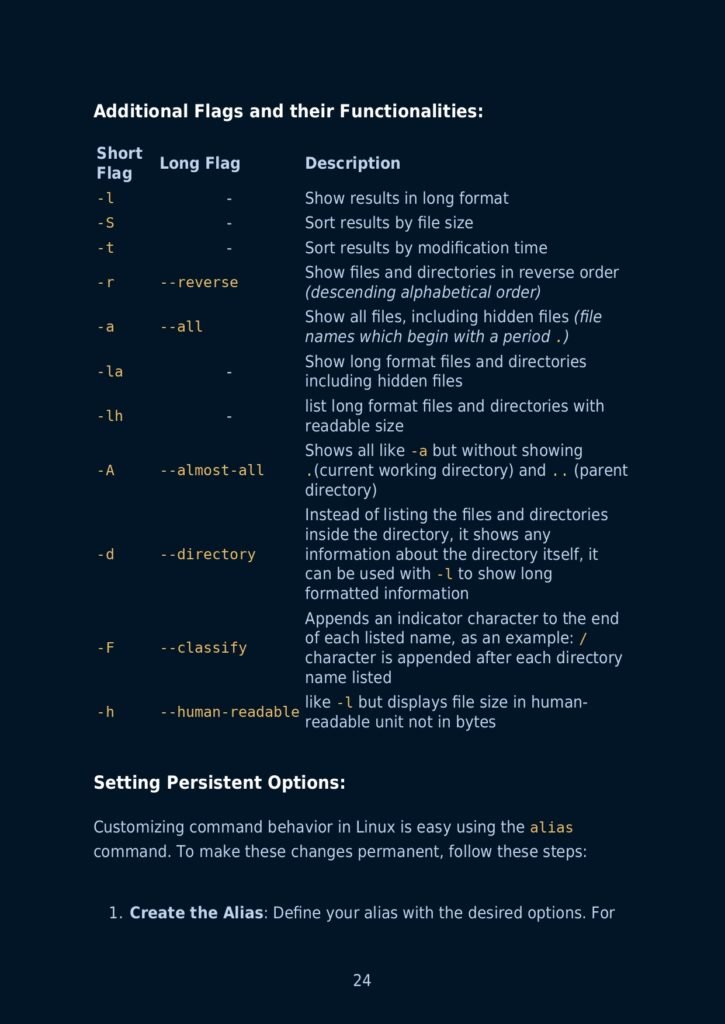
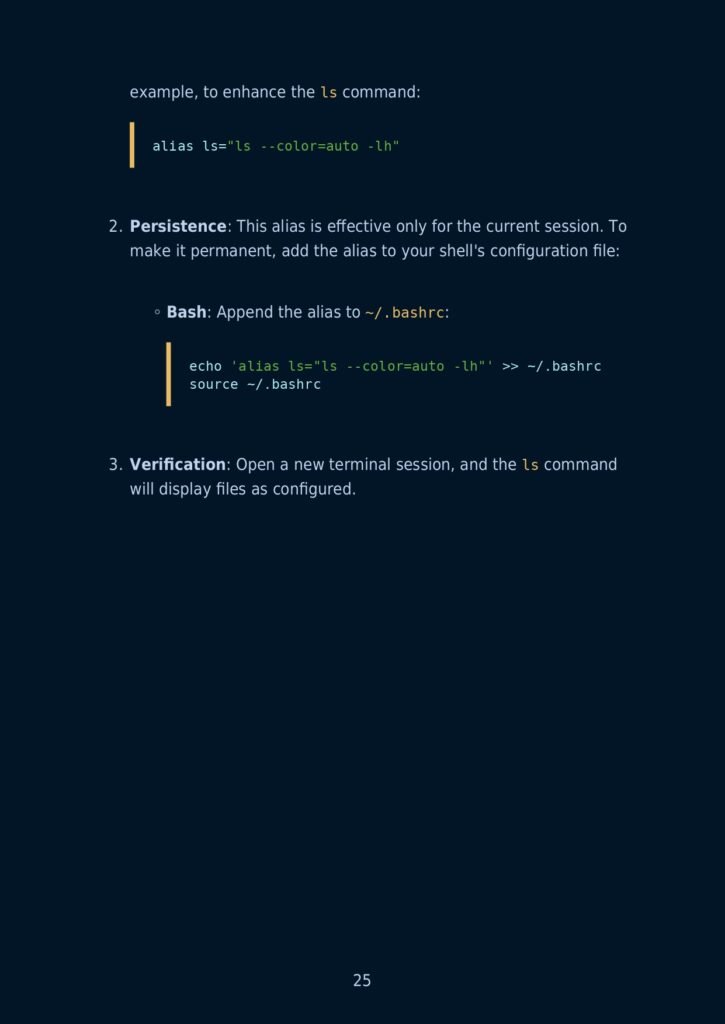
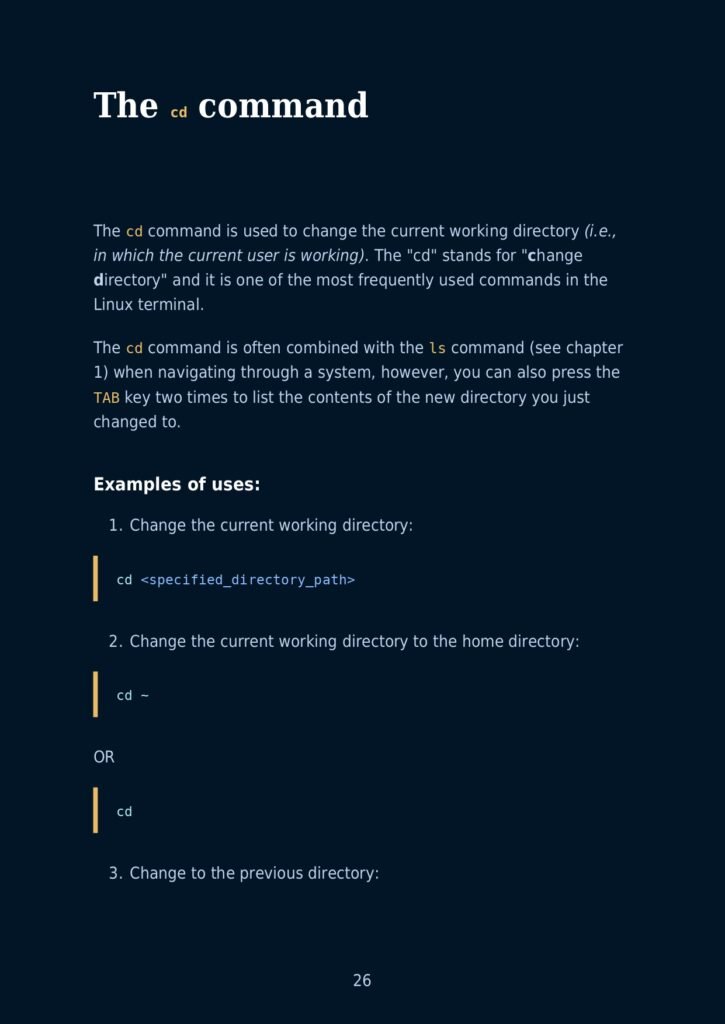
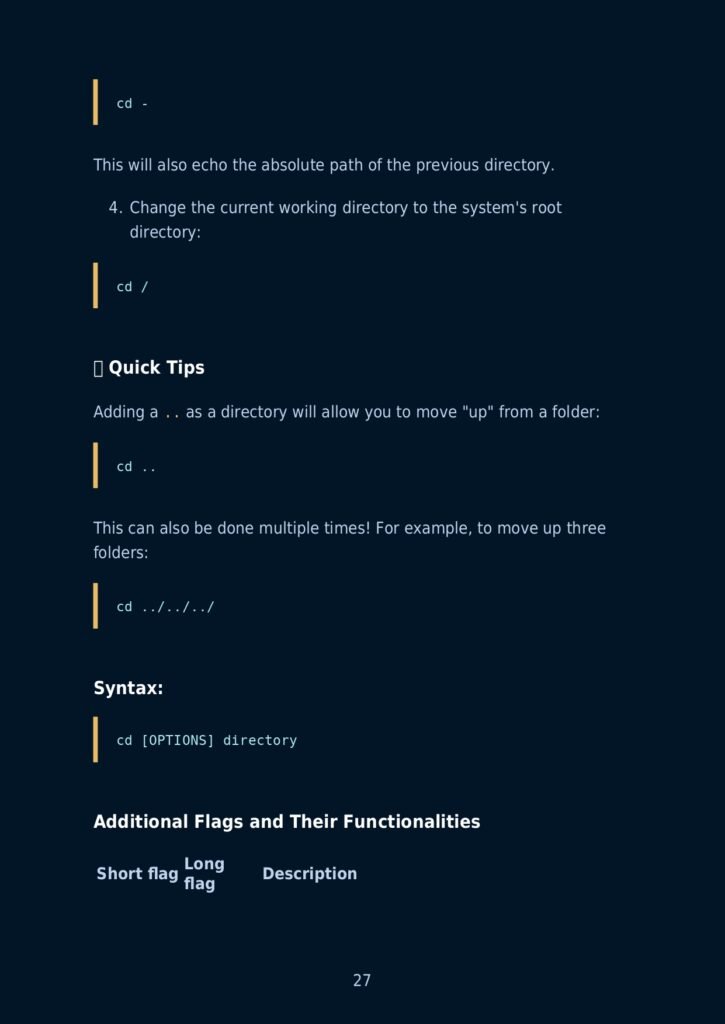
Table of Contents
Main Sections
- 101 Linux commands Open-source eBook
- Hacktoberfest
- About me
- Ebook PDF Generation Tool
- Book Cover
- License
Commands and Sub-sections
- The ls command
- The cd command
- The cat command
- The tac command
- The head command
- The tail command
- The pwd command
- The touch Command
- The cal Command
- The bc command
- The df command
- The help command
- The factor command
- The uname command
- The mkdir command
- The gzip command
- Usage
- Compress a file
- Decompress a file
- Compress multiple files:
- Decompress multiple files:
- Compress a directory:
- Decompress a directory:
- Verbose (detailed) output while compressing
- The whatis command
- The who command
- The free command
- Show memory usage
- Show memory usage in human-readable form
- The top/htop command
- Comparison between top and htop:
- Additional Flags and their Functionalities:
- The sl command
- The echo command
- The finger command
- The groups command
- The man command
- The passwd command
- The syntax of the passwd command is :
- options
- The w command
- The whoami command
- The history command
- The login Command
- Flags and their functionalities
- Iscpu command
- The cp command
- The mv command
- The ps command
- The kill command
- The killall command
- The env command
- Full List of Options
- The printenv command
- The hostname command
- The nano command
- The rm command
- The ifconfig command
- The ip command
- The clear command
- After executing clear command:
- The su command
- The syntax of the su command is :
- The wget command
- More options
- The curl command
- The syntax of the curl command is :
- The yes command
- The last command
- The locate command
- The iostat command
- The sudo command
- The apt command
- The yum command
- The zip command
- The unzip command
What’s Inside?
12 Critical Sections for Every Linux User:
🔹 File & Directory Mastery
- Create, delete, rename:
touch,rm,mv. - Permissions:
chmod,chown,umask.
🔹 Process Control
- Monitor with
htop,ps,kill. - Prioritize tasks:
nice,renice.
🔹 Networking Essentials
- Troubleshoot with
curl,ping,traceroute. - Secure connections:
ssh,scp,iptables.
🔹 User & Group Management
- Add users:
useradd,passwd. - Group roles:
usermod,gpasswd.
🔹 Package Management
- APT/YUM/DNF: Install, update, purge.
- Python tools:
pipbasics.
🔹 Shell Scripting
- Automate tasks with loops, conditionals, and variables.
🔹 System Monitoring
- Disk usage:
df,du. - Performance:
vmstat,iostat,dmesg.
PLUS: Text processing (grep, awk), archives (tar, gzip), and Git basics!
Sample Command Deep Dive
Command: rsync -avz --progress /source /destination
- What it does: Sync files with compression and progress tracking.
- Pro Tip: Use
--deleteto mirror directories (caution!).
Why You’ll Love This Guide
✅ Hands-On Examples: Every command includes real-world use cases.
✅ Syntax Simplified: Break down complex flags (e.g., tar -xvzf).
✅ Time-Saver: Skip Stack Overflow—find answers in seconds.
✅ Career Boost: Impress interviewers with CLI fluency.
Free Download
Prepared by: Waleed Mousa
Format: 300-page PDF (Print-friendly & hyperlinked for digital use).
📥 Grab Your Copy: [Download Here]