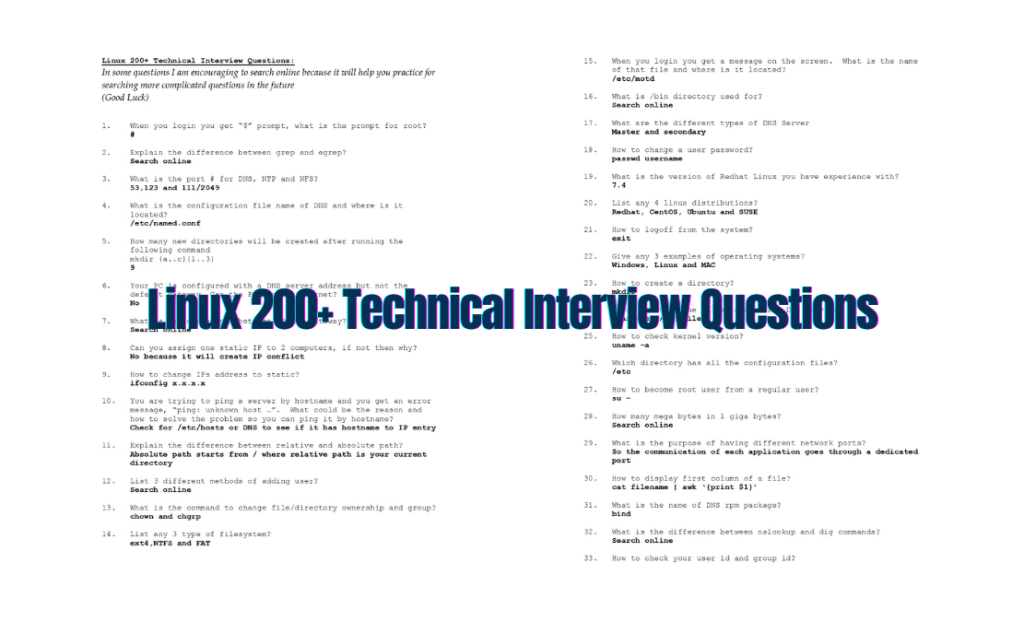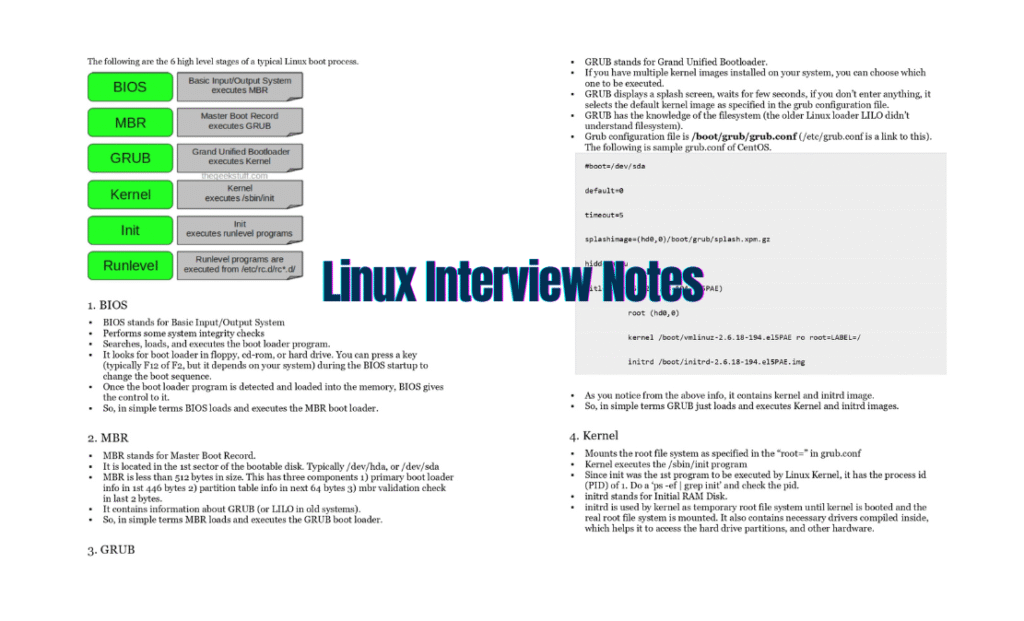
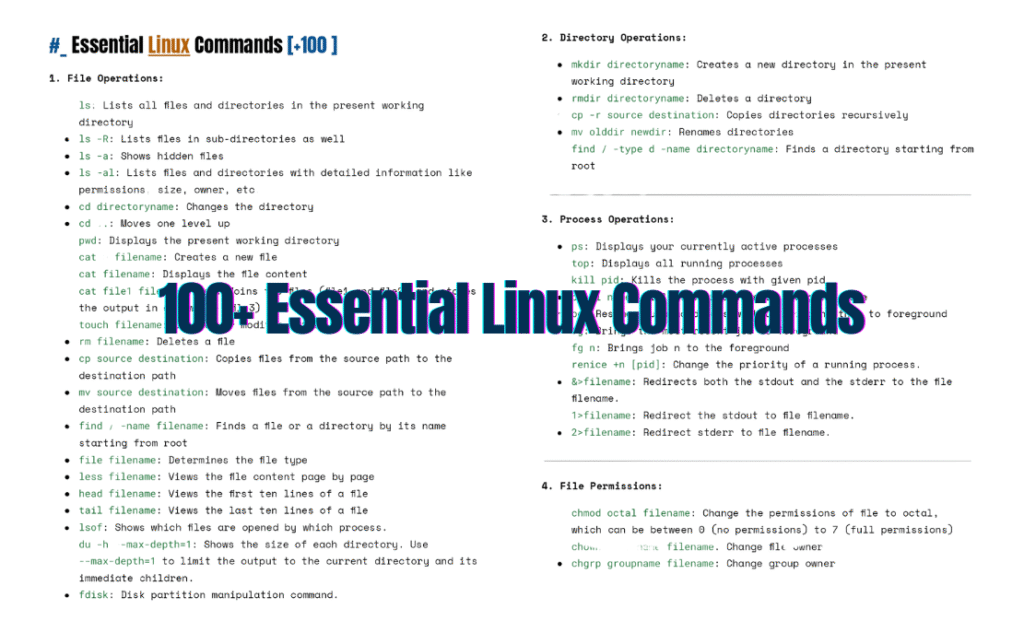
Linux powers the backbone of modern technology—from servers to embedded systems, and even your favorite developer tools. Whether you’re a sysadmin, developer, or Linux hobbyist, mastering the command line is non-negotiable.
Introducing the “100+ Essential Linux Commands: Your Comprehensive PDF Reference”—a curated, action-packed guide designed to turbocharge your Linux skills. Let’s dive in!
Why This PDF Guide?
This isn’t just another list of commands. Our PDF format ensures:
- Offline Access: Learn anywhere, anytime—no internet required.
- Structured Learning: Organized sections for easy navigation.
- Practical Focus: Real-world examples to cement your understanding.
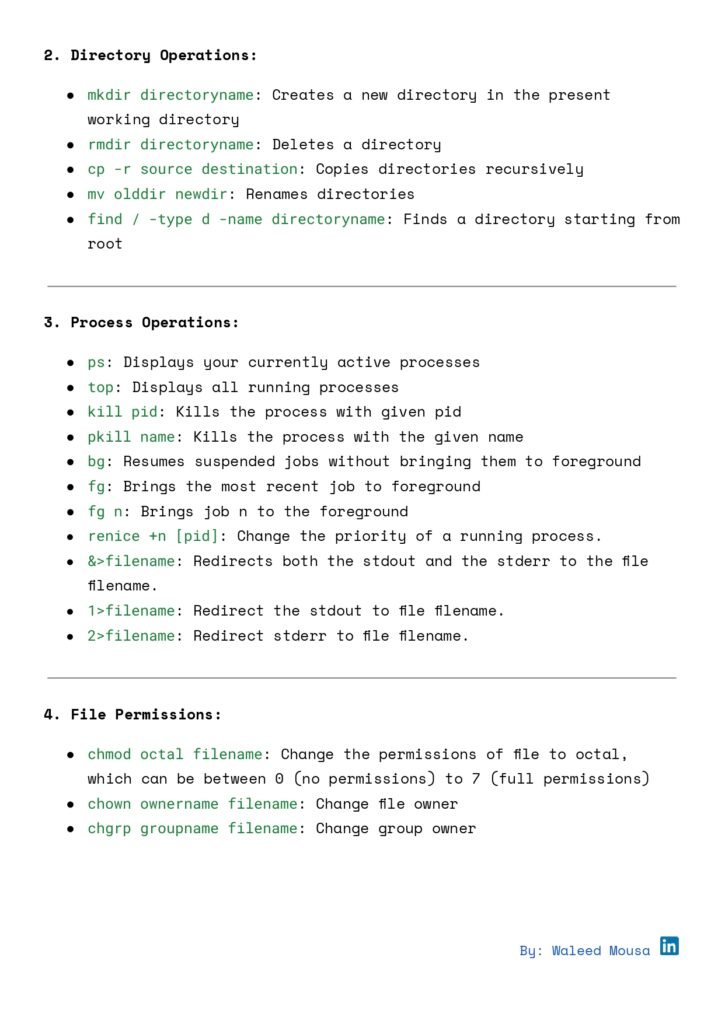
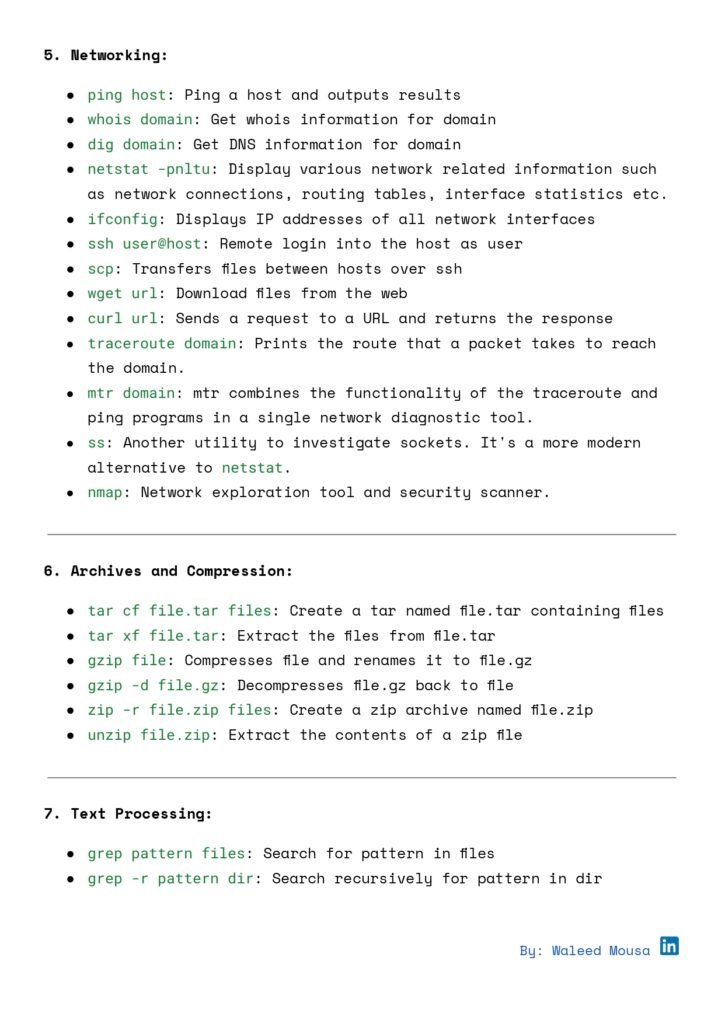
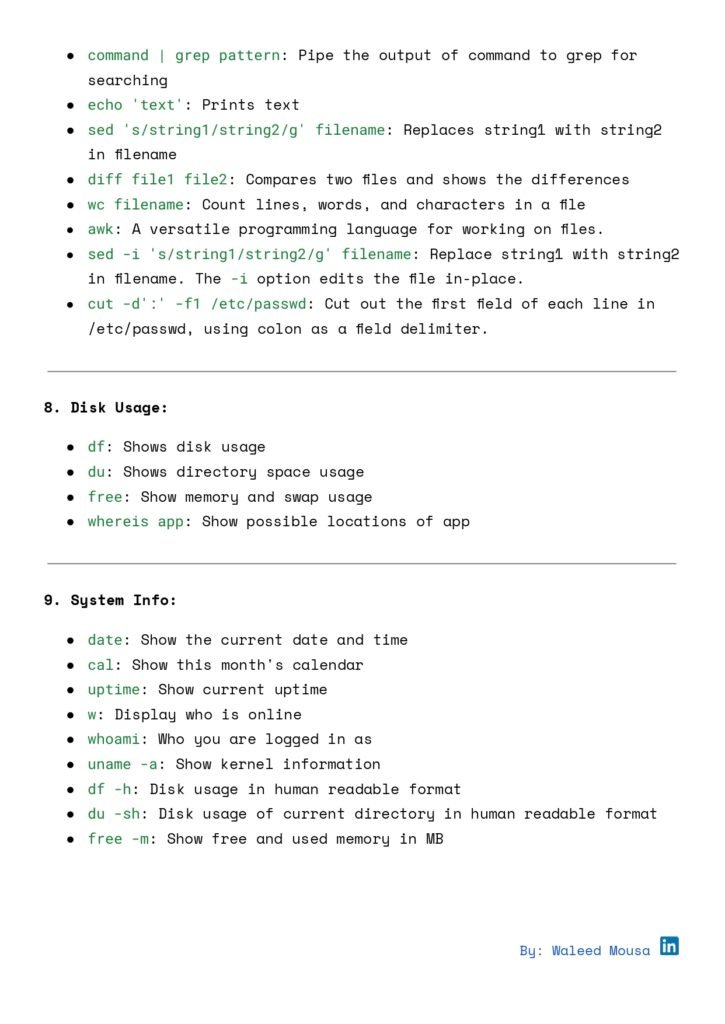
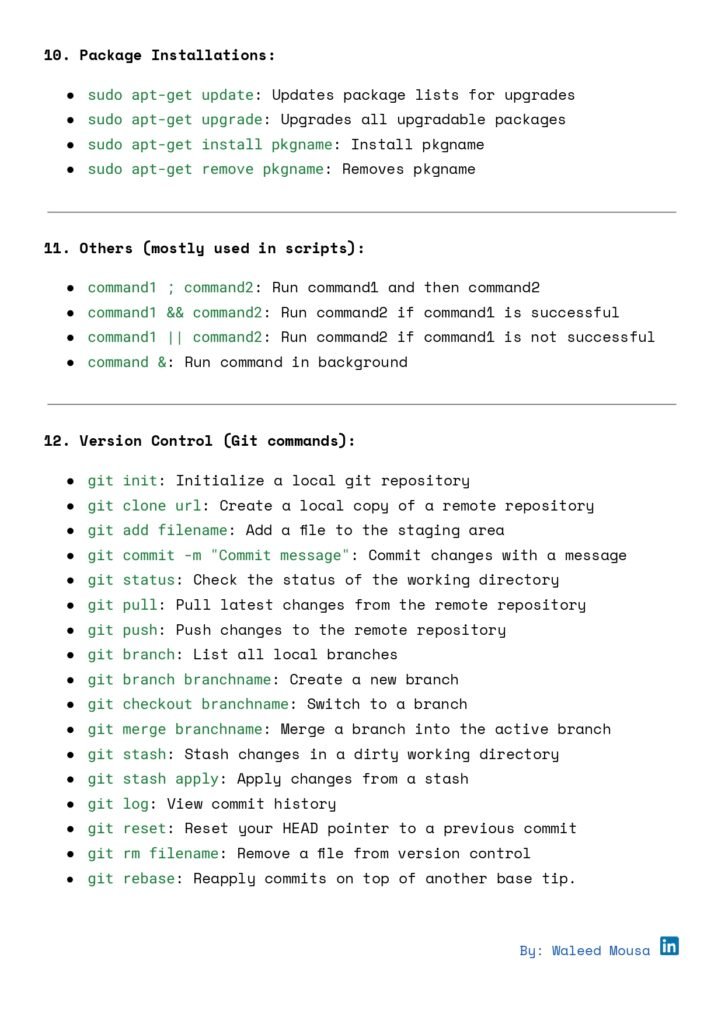
What’s Inside?
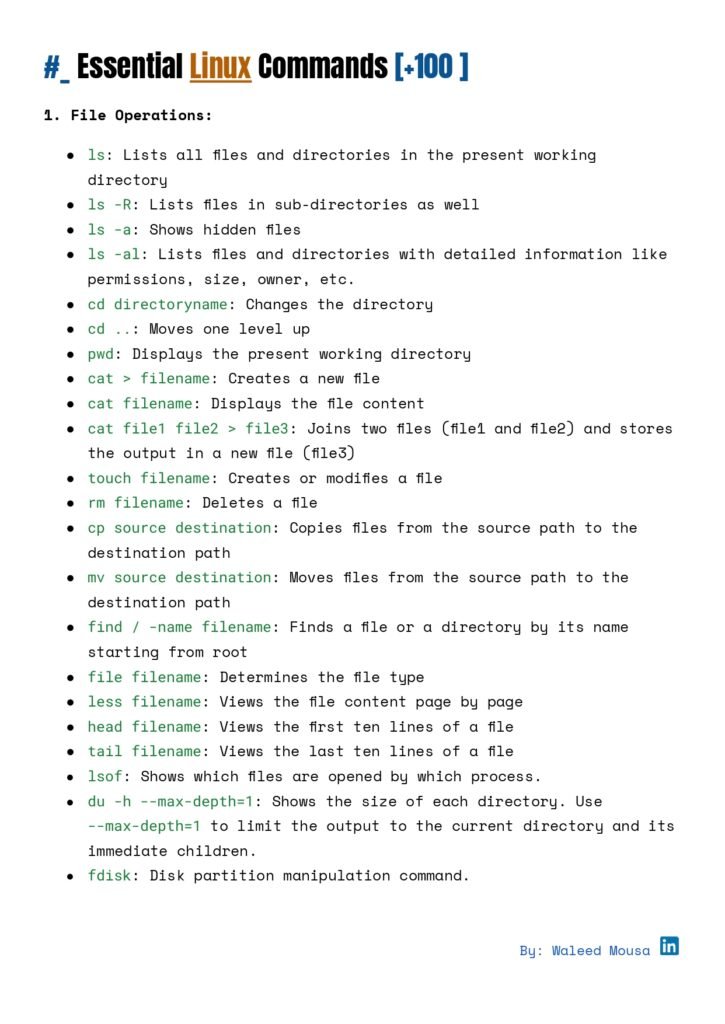
The guide covers 8 pages of must-know commands across 18 critical categories:
- File & Directory Operations (e.g.,
cp,mv,ls) - Process Management (e.g.,
ps,kill,top) - Networking (e.g.,
curl,ssh,netstat) - Text Processing (e.g.,
grep,awk,sed) - System Monitoring (e.g.,
htop,df,free) - Package Management (apt, pip, and more)
- Version Control (Git essentials)
- Shell Scripting Basics
…and 10+ additional categories like cron jobs, permissions, and archives!
Why You’ll Love This Guide
- Crystal-Clear Explanations:
- Syntax & Usage: Nail the command structure.
- Flags & Options: Unlock hidden functionalities (e.g.,
tar -xvzf). - Real-World Examples: See commands in action.
- Output Interpretation: Decipher results like a pro.
- Time-Saving Design:
- Skip endless Google searches—everything’s in one place.
- Perfect for quick reference during coding or troubleshooting.
- Skill Boost:
- From basics to advanced tasks (like cron jobs or environment variables), level up your CLI game.
Ready to Download?
Prepared by: Waleed Mousa
Format: 8-page PDF (Printer-friendly!)
📥 Grab Your Copy: [Download Here]